
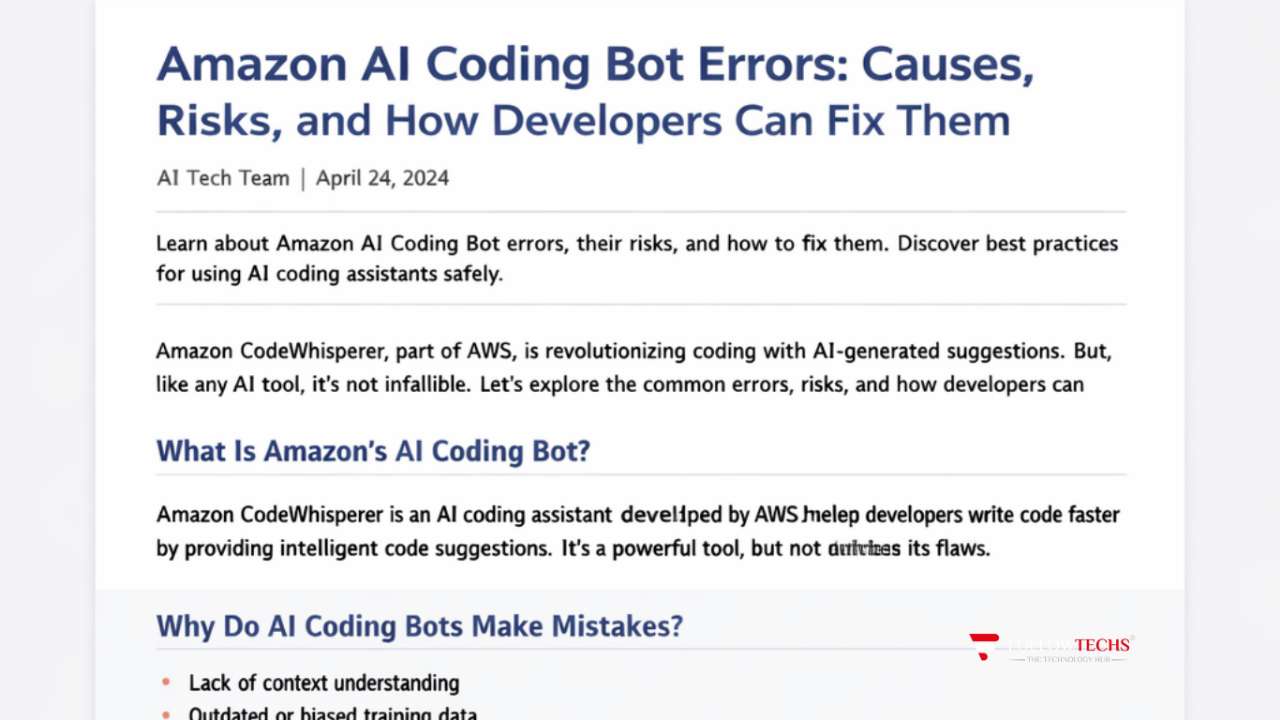

Artificial intelligence is rapidly transforming modern software development. Tools like Amazon CodeWhisperer, developed by Amazon Web Services (AWS), promise faster development, smarter code suggestions, and tighter cloud integration.
But there’s an uncomfortable reality many teams are discovering:
Amazon AI Coding Bot Errors are real — and if left unchecked, they can introduce security vulnerabilities, performance bottlenecks, and serious production risks.
In this in-depth guide, we’ll explore:
- What Amazon’s AI coding bot actually does
- Why AI coding assistants make mistakes
- The most common Amazon AI Coding Bot Errors
- Real-world examples of AI-generated code errors
- Security and compliance risks
- How it compares to GitHub Copilot
- And most importantly — how developers can fix and prevent these issues
Let’s dive in.
What Is Amazon’s AI Coding Bot?
Amazon’s AI coding assistant is called Amazon CodeWhisperer. It is a machine learning-powered development tool that generates real-time code suggestions directly inside your IDE.
It is deeply integrated into the AWS ecosystem, meaning it can automatically suggest:
- AWS Lambda handlers
- S3 integrations
- DynamoDB queries
- IAM policy structures
- API Gateway configurations
Unlike generic AI coding assistants, CodeWhisperer is optimized specifically for AWS environments.
That tight AWS integration is powerful — but it can also create AWS AI coding problems if the generated code is incorrect or insecure.
Why Amazon AI Coding Bot Errors Happen
Understanding why Amazon AI Coding Bot Errors occur is critical before trying to fix them.
AI models do not truly “understand” business logic or architecture. They predict patterns based on massive datasets.
Here’s why mistakes happen:
1.Pattern Matching Instead of Reasoning
AI predicts what code usually looks like — not what your specific system requires.
2.Limited Context Window
Large codebases exceed what the AI can analyze at once. That leads to:
- Missing dependencies
- Incomplete functions
- Incorrect variable usage
3.Outdated Training Data
AI may suggest:
- Deprecated AWS SDK methods
- Vulnerable libraries
- Old security patterns
4.Assumptions About Intent
If your prompt is vague, the AI fills gaps with assumptions — often incorrectly.
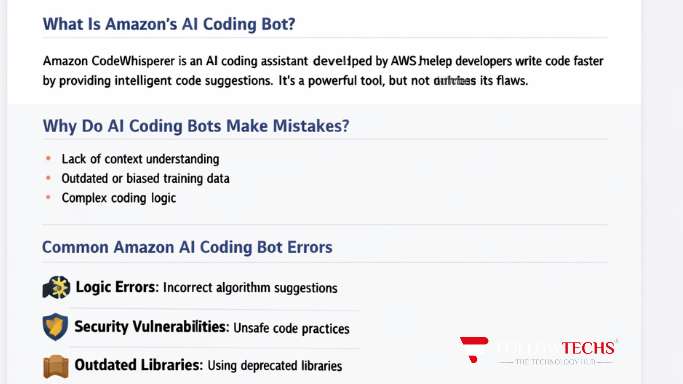
Amazon AI Coding Bot Errors: Logic Mistakes
One of the most common Amazon AI Coding Bot Errors involves incorrect logic.
For example, the AI might generate:
user_role = “admin”
if user_role = “admin”:
print(“Access granted”)
This is wrong.
The single equals sign (=) assigns a value.
To compare values in Python, you must use ==.
user_role = “admin”
if user_role == “admin”:
print(“Access granted”)
This small mistake can completely break authentication logic.
These AI generated code errors often look harmless — but they can cause serious runtime failures.
Amazon AI Coding Bot Errors: Security Vulnerabilities
Security is where things get dangerous.
Common AI coding security risks include:
- SQL injection
- Hardcoded credentials
- Missing input validation
- Overly broad IAM permissions
Example of insecure AI-generated code:
app.get(“/user”, (req, res) => {
const email = req.query.email;
db.query(“SELECT * FROM users WHERE email = ‘” + email + “‘”);
});
This allows SQL injection attacks.
Secure version should use parameterized queries
app.get(“/user”, (req, res) => {
const email = req.query.email;
db.query(“SELECT * FROM users WHERE email = ?”, [email]);
});
AI coding assistant bugs in authentication and database access are especially risky.
Amazon AI Coding Bot Errors: Outdated Libraries
Another frequent issue is suggesting deprecated packages
For example:
- Old boto3 patterns
- Deprecated AWS SDK methods
- Unsupported Node.js packages
This leads to:
- Technical debt
- Security vulnerabilities
- Future migration headaches
Always verify library versions manually.
Amazon AI Coding Bot Errors: Incomplete Functions
Sometimes CodeWhisperer generates partial implementations.
def calculate_total(items):
total = 0
for item in items:
total += item[“price”]
This function has no return statement.
Correct version:
def calculate_total(items):
total = 0
for item in items:
total += item[“price”]
return total
Incomplete logic is one of the most subtle AI generated code errors.
Amazon AI Coding Bot Errors: Inefficient Code
AI often prioritizes “working code” over optimized code.
Example of inefficient logic:
def find_user(users, email):
for user in users:
if user[“email”] == email:
return user
For large datasets, this is inefficient.
A dictionary-based approach is faster:
def find_user(user_dict, email):
return user_dict.get(email)
At scale, inefficient AI-generated code becomes expensive.
Real-World AWS AI Coding Problems
Developers have reported:
- Lambda functions missing proper error handling
- IAM policies granting “*” resource access
- S3 buckets created without encryption
- Hardcoded AWS regions
These Amazon AI Coding Bot Errors can directly impact:
- Security audits
- Compliance reviews
- Production uptime
Security and Compliance Risks
AI coding security risks extend beyond simple bugs.
They can cause:
- GDPR violations
- HIPAA non-compliance
- PCI-DSS failures
- SOC 2 audit risks
Common problems include:
- Logging sensitive data
- Weak token validation
- Missing encryption enforcement
Never treat AI-generated code as trusted by default.
Amazon AI Coding Bot Errors vs GitHub Copilot
How does CodeWhisperer compare to GitHub Copilot?
Strengths of CodeWhisperer
- Deep AWS integration
- Security scanning
- IAM-aware suggestions
Weaknesses
- AWS-biased suggestions
- Less flexible outside AWS stack
- Context limitations
Both tools can produce:
- AI coding assistant bugs
- AI generated code errors
- Security flaws
AI is an assistant — not an authority.
How to Fix Amazon AI Coding Bot Errors
Here’s a professional workflow to prevent issues.
- Review Every Suggestion
Treat AI code like a junior developer’s pull request. - Use Static Analysis Tools
Examples:
ESLint
SonarQube
Bandit (Python) - Add Security Scanning in CI/CD
Include:
Dependency scanning
SAST testing
DAST testing - Write Unit Tests
Always test:
Edge cases
Null values
Invalid input
High-load scenarios - Apply Least Privilege in IAM
Never accept broad “*” permissions.
Best Practices for Using AI Coding Assistants Safely
To reduce Amazon AI Coding Bot Errors:
Write highly specific prompts
Include framework versions
Define security constraints clearly
Enforce mandatory code reviews
Document AI usage policies
Enterprise teams should create governance frameworks around AI coding tools.
The Future of AI Coding Tools
AI development tools will improve rapidly.
Expect:
Larger context windows
Better reasoning models
Built-in vulnerability prevention
Real-time compliance validation
But human oversight will remain essential.
The best teams will combine:
AI speed
Human judgment
Strong testing pipelines
FAQ: Amazon AI Coding Bot Errors
Are Amazon AI Coding Bot Errors common?
Yes. Especially in complex systems and security-sensitive environments.
Is Amazon CodeWhisperer safe to use?
Yes — when combined with code reviews and security testing.
Can AI-generated code introduce vulnerabilities?
Absolutely. AI coding security risks are real and documented.
Why is CodeWhisperer not working correctly?
Possible causes:
Outdated IDE plugin
AWS configuration issues
Context limitations
Should enterprises allow AI coding tools?
Yes — but with governance policies and strong review processes.
Conclusion: Managing Amazon AI Coding Bot Errors the Smart Way
Amazon AI Coding Bot Errors are not a reason to abandon AI tools — but they are a reason to use them responsibly.
AI-generated code can accelerate development, especially inside AWS environments. However, unchecked AI generated code errors can introduce:
Security vulnerabilities
Performance issues
Compliance risks
Architectural flaws
The solution is not fear — it’s discipline.
Review aggressively.
Test thoroughly.
Secure everything.
Use AI as a productivity multiplier — not as a replacement for engineering expertise.
